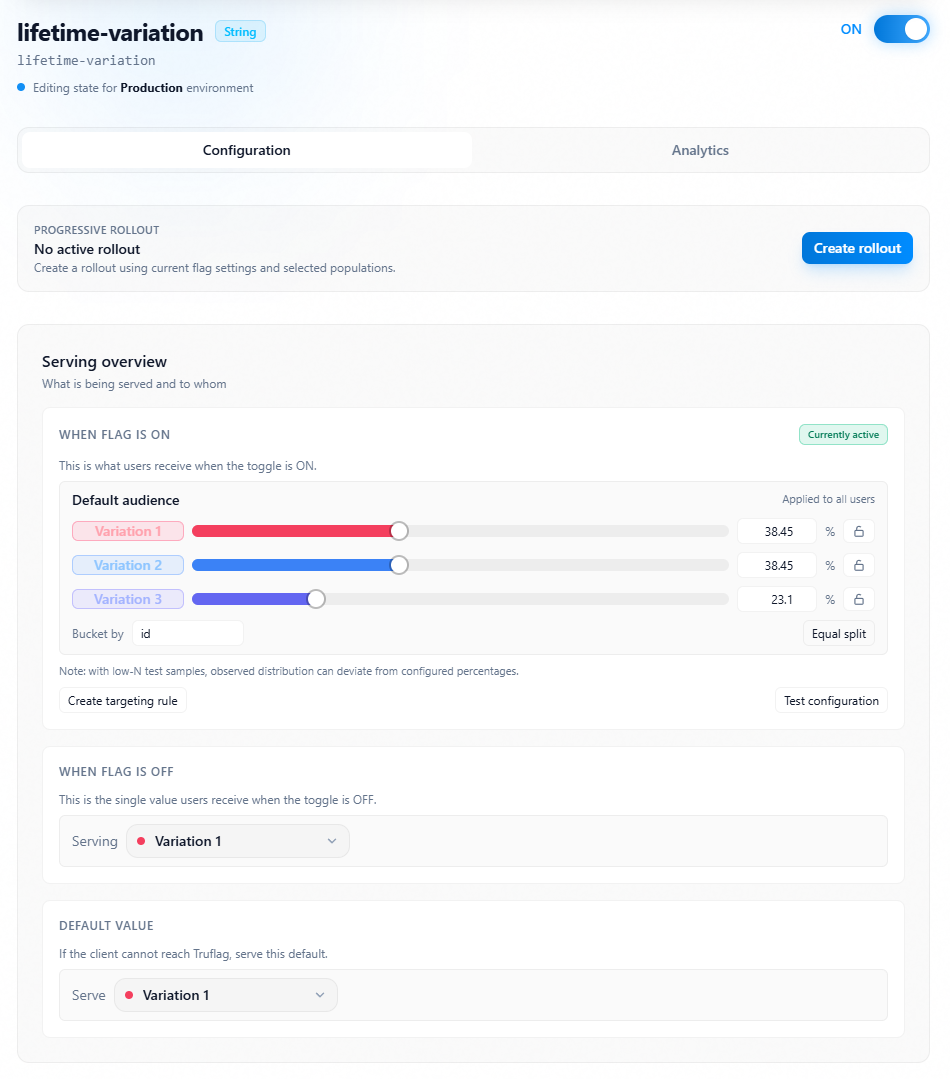
Flag settings
Review and edit global and environment-specific settings for a flag.
Overview
This topic explains where flag settings are displayed and how they are scoped.
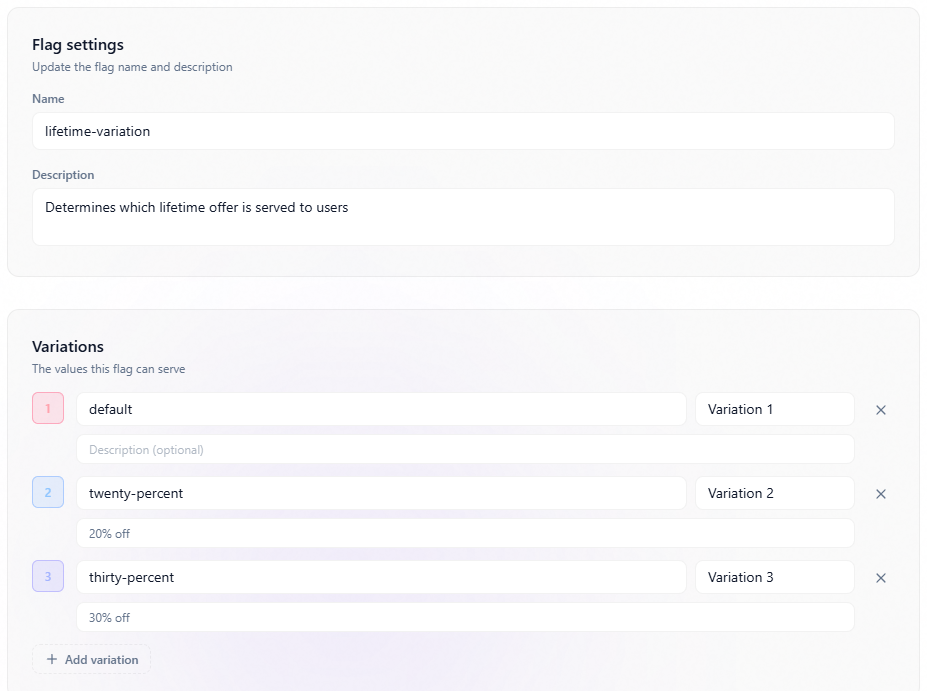
Some settings are shared across environments (for example name, key, and variation definitions).
Other settings are environment-specific (for example targeting state, rules, default rule outputs, and rollout state).
Flag settings for all environments
Use the flag header and metadata panels to review global settings used across all environments in the project.
Common global settings include name, description, key, and variation definitions.
When global settings change, the updated metadata is visible regardless of selected environment.
Flag settings layout
Environment-specific flag settings
Use the environment selector to review configuration for a specific environment.
Environment-specific settings include toggle state, targeting rules, rollouts, off variation behavior, and default rule output.
Environment isolation allows staging and production to evolve independently while sharing the same flag key and variation model.
Environment-specific flag settings