Comparing and copying flag settings
Compare serving configuration between environments and copy selected settings.
Overview
This topic explains how to compare a flag between environments and copy configuration into a target environment.
Comparison is useful during promotions from development or staging into production.
Copy operations should be reviewed when source rules reference environment-specific resources.
Compare and copy flag settings between two environments
Select a source environment and target environment, then review detected differences before copy.
When rollout state is active in source, copy behavior should be reviewed to confirm target receives the intended allocation state.
- Open the flag from the Flags list.
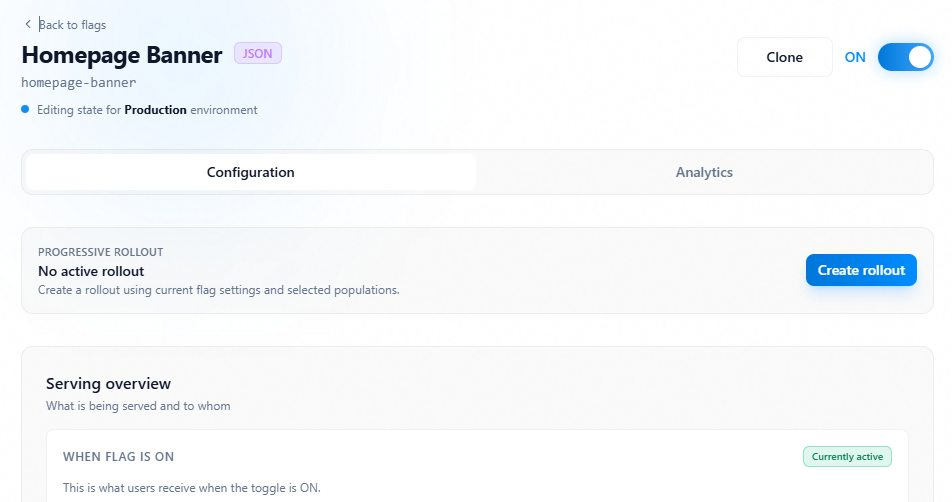
- Select the Clone button in the top right.
- Select the target environment.
- Run copy action and confirm.
- Re-open target environment and validate final state.
Copy settings action
1 / 2
Click image to fullscreen